Running a local small LLM takes five minutes with Ollama. Knowing what to actually do with one takes longer to figure out — the use cases that make local AI genuinely useful are different from what most people expect after years of cloud AI, and the cases where a local model is the wrong tool entirely are just as important to know upfront.
This post answers the question directly. Here is what a local small LLM does well, what it does badly, and which model and hardware configuration makes sense for each job. Links throughout point to the deeper guides on this blog for each model and runtime.
What is a local small LLM?
A local small language model is a model with fewer than roughly 14 billion parameters that runs entirely on your own hardware — no API call, no internet connection required, no data leaving your machine. “Small” means it fits in the RAM of a consumer laptop or a single-GPU workstation without requiring a data centre or a high-end workstation GPU.
The defining property is privacy. When the model runs locally, nothing you send it is logged, processed, or retained by a third party. That is not a marketing claim — for document Q&A on sensitive files, internal source code, or data governed by compliance requirements, it is a categorical difference from cloud AI. No provider’s privacy policy changes the fact that your data crossed a network and was processed on hardware you do not control.
At the 3–4B parameter scale (Phi-4-mini, SmolLM3-3B, Gemma 3 4B), models run on any modern laptop with 8 GB of system RAM. At 7–8B (Qwen3 8B, Mistral 7B), they require a discrete GPU with 6–8 GB of VRAM or an Apple Silicon machine with 16 GB of unified memory. The full breakdown of what hardware fits which models is in How Much RAM Do You Actually Need for Local LLMs.
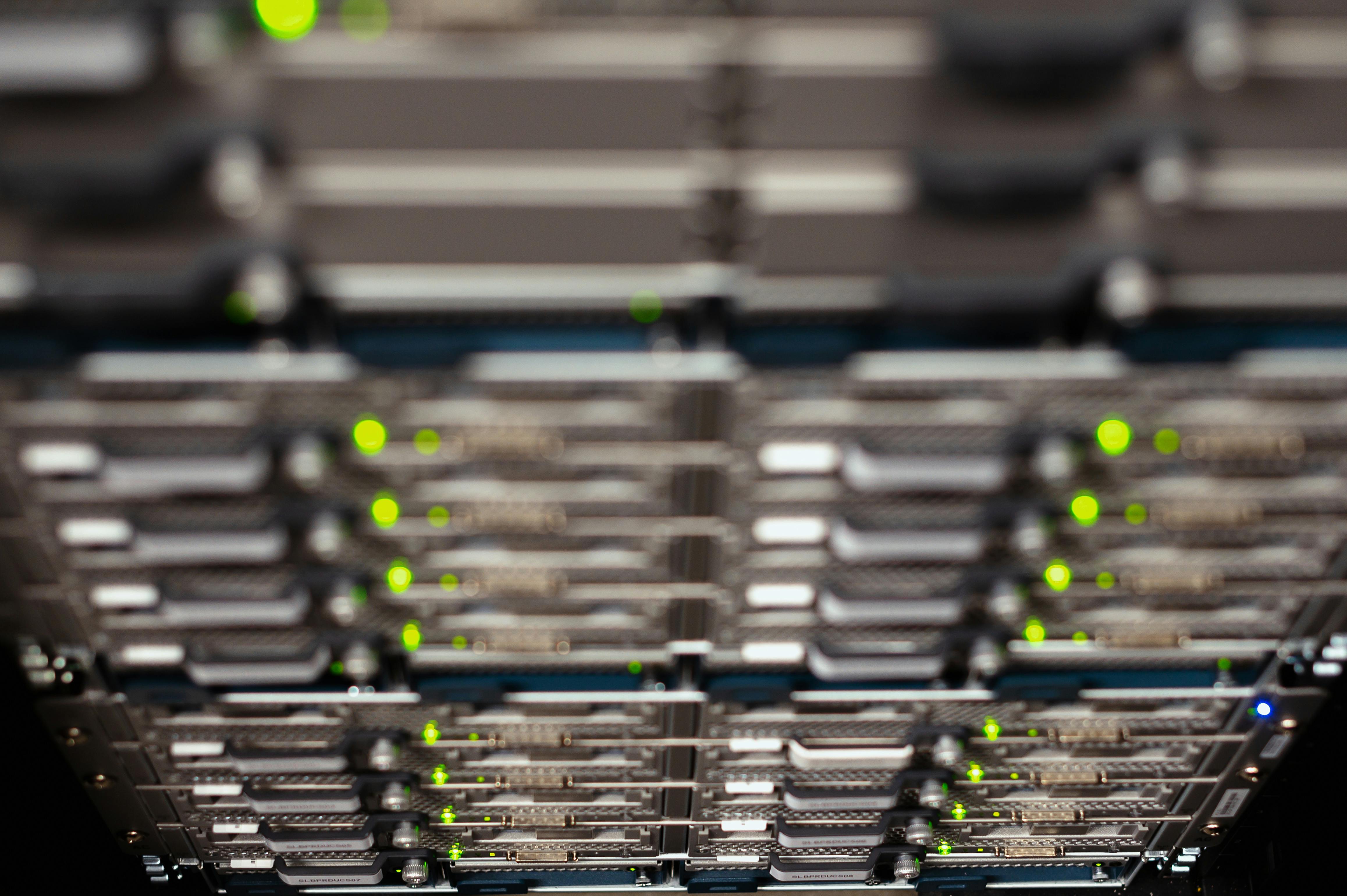
Local inference means the model runs on your hardware — no API, no data centre, no egress. (Photo: Brett Sayles, Pexels)
Private document Q&A
This is the use case where local models are categorically better than cloud AI, not just comparable. Feed a confidential contract, a set of meeting notes, internal technical specifications, or a medical record into a model — ask questions, extract information, summarise — and nothing leaves your machine.
The full production setup is a RAG (retrieval-augmented generation) pipeline: documents are chunked, embedded by a local embedding model, indexed in a local vector store (Chroma and Qdrant both run entirely offline), and the relevant chunks are injected into the model’s context window at query time. For individual documents under roughly 50,000 words, Phi-4-mini’s 128K context window makes the retrieval layer unnecessary: paste the full document directly into the prompt.
# Direct document Q&A with Ollama — no retrieval needed for shorter documents
curl http://localhost:11434/api/generate -d '{
  "model": "phi4-mini",
  "prompt": "Summarise the key obligations in the following contract:\n\n[paste document text here]",
  "stream": false
}'
SmolLM3-3B’s 128K context is worth distinguishing from Phi-4-mini’s: SmolLM3 was trained through two sequential context-extension phases (4K → 32K → 64K) before using YARN to extrapolate to 128K at inference. Models that skip the training stages and jump straight to positional interpolation degrade sharply past their native context length. SmolLM3’s multi-stage approach is more reliable for genuinely long documents. For regulated environments where Apache 2.0 licensing and a fully reproducible training pipeline matter, it is the clear pick.

Document Q&A is the use case where local inference is a hard requirement, not a preference. (Photo: RDNE Stock project, Pexels)
Offline coding assistant
GitHub Copilot sends your code to Microsoft’s servers. Cursor sends it to Anthropic or OpenAI depending on the active model. For proprietary source code, internal tooling, or anything under a restrictive IP agreement, that is a real constraint — one that cannot be resolved by reading the provider’s privacy policy, because the data is still crossing a network.
Qwen3-Coder leads the sub-10B class on code generation benchmarks and is purpose-built for agentic coding tasks including multi-file reasoning and terminal execution. Phi-4-mini is the right choice if your hardware tops out at 8 GB of VRAM — at 3.8B parameters it handles a substantial share of real coding tasks at roughly 3 GB VRAM at Q4_K_M quantization.
The integration path is Continue.dev, a VS Code and JetBrains extension that points at a local Ollama endpoint:
{
  "models": [{
    "title": "Qwen3 8B (local)",
    "provider": "ollama",
    "model": "qwen3:8b"
  }]
}
Phi-4-mini supports function calling, which means you can build local agents that actually execute shell commands, write files, and chain tool calls — not just text completion. The model follows system prompt tool definitions the same way cloud models do; the only difference is the inference happens on your GPU.
Structured data extraction
This use case is consistently underestimated. Local models are reliable at converting unstructured text into structured output: parsing log lines, extracting named entities from emails, pulling a table embedded in a PDF into machine-readable rows, classifying records by category.
Instruction-tuned models follow output format constraints well. llama.cpp pushes this further with GBNF grammar-constrained decoding — which guarantees JSON-valid output at the generation level, not through prompt engineering:
./llama-server --grammar-file grammars/json.gbnf --model phi-4-mini.gguf
For data engineering pipelines — ETL preprocessing, document parsing, log classification — running extraction locally eliminates per-token API costs on large volumes and removes the question of where customer data goes during processing. A pipeline handling 10,000 documents a day pays nothing per document with a local model. The same throughput via a cloud API carries material variable cost and requires sending the documents over a network.
Translation and multilingual use cases
SmolLM3-3B covers six languages with dedicated training: English, French, Spanish, German, Italian, and Portuguese. For sub-4B models, that is the broadest multi-language coverage in the class.
Offline translation of sensitive internal documents — HR records, legal filings, contracts — sidesteps the question of what a translation service does with your data. Quality is below frontier-model output for nuanced prose but workable for technical documentation and direct factual content. English-to-French and English-to-Spanish are noticeably stronger than English-to-Portuguese, reflecting training data distribution.
The multilingual capability extends beyond translation: SmolLM3 handles multilingual document Q&A and cross-language summarisation within the same context window, which is useful for organisations working across European languages without a cloud dependency.
Writing assistance and editing
For editing work — tightening verbose paragraphs, improving structural clarity, checking consistency of tone — a 3B model is enough. You do not need frontier-model quality to catch passive-voice overuse or identify where a paragraph buries its key point.
The practical workflow: write your draft in whatever editor you use, pipe it through a local model for a revision pass, accept the suggestions you agree with. Open-WebUI provides a browser-based chat interface that mirrors how people use ChatGPT, running entirely against a local Ollama backend with no external API calls.
For longer-form content with complex argument structure, a 7–8B model (Qwen3 8B on a GPU, or any model on Apple Silicon with 16+ GB of unified memory) handles more nuance. On an M3 MacBook Pro with 24 GB of unified memory, the trade-off between quality and hardware cost barely exists.
Local API server for your own tools
Ollama exposes an OpenAI-compatible REST API at http://localhost:11434/v1. Any tool built against the OpenAI Python SDK or REST API works against a local Ollama instance without code changes — swap the base URL, keep everything else:
from openai import OpenAI

client = OpenAI(
    base_url="http://localhost:11434/v1",
    api_key="ollama"  # value is ignored; field is required by the client library
)

response = client.chat.completions.create(
    model="phi4-mini",
    messages=[{"role": "user", "content": "Explain this error: FileNotFoundError: config.yaml not found"}]
)
print(response.choices[0].message.content)
This means local inference works as a development default during tool-building — no latency from a network round-trip, no token cost, no rate limits, no dependency on internet connectivity. When you’re ready to move a tool to production, switching to a cloud model is a one-line config change.
For small productivity tools — a terminal assistant, a shell script that annotates log output, a text editor extension that rewrites selected paragraphs — local inference is strictly better than cloud for the development phase of the project.
What local small LLMs do badly
Complex multi-hop reasoning. Tasks that require tracking many interacting constraints — financial modelling across multiple variables, legal analysis with cascading conditionals, competitive programming problems — produce more errors at sub-8B scale than frontier models. Phi-4-mini-reasoning narrows the gap significantly for structured math, but the distance to GPT-4o or Claude Sonnet on the hardest reasoning tasks is real. If the use case requires reliably correct multi-step reasoning on hard problems, a local model is not the right primary tool.
Knowledge after the training cutoff. A local model’s training data stops at a fixed date. Without a retrieval layer on top, it cannot answer questions about recent events and will either decline or produce confident hallucinations. If your use case is “answer questions about what is happening now,” local models are the wrong default unless you build RAG yourself.
Multimodal input beyond images. Most models available via Ollama are text-only or image+text. End-to-end voice input requires a separate Whisper pipeline before the language model sees any text. Assembling a local voice assistant is possible but requires connecting several moving parts — it is not a one-command install.
Which model for which use case
| Use case | Recommended model | Min. VRAM | Ollama command |
|---|---|---|---|
| Private document Q&A | Phi-4-mini | 4 GB | ollama run phi4-mini |
| Coding assistant | Qwen3 8B | 8 GB GPU / 16 GB Apple Silicon | ollama run qwen3:8b |
| Coding on constrained hardware | Phi-4-mini | 4 GB | ollama run phi4-mini |
| Multilingual translation | SmolLM3-3B | 4 GB | GGUF via HuggingFace |
| Structured data extraction | Phi-4-mini | 4 GB | ollama run phi4-mini |
| Writing assistance | Phi-4-mini or SmolLM3-3B | 4 GB | ollama run phi4-mini |
| Edge device (Raspberry Pi 5) | Phi-4-mini | 8 GB system RAM | ollama run phi4-mini |
For full benchmark figures — MMLU, GSM8K, HumanEval, and VRAM at Q4_K_M — see The Best Small Language Models in 2026. For Raspberry Pi-specific throughput numbers, see the Raspberry Pi 5 inference guide.
What is the best use case for a local small LLM?
Private document Q&A on sensitive files. This is the case where running locally is a hard requirement, not a preference. Cloud providers cannot offer full confidentiality regardless of contractual commitments — the data crosses a network and is processed on hardware you do not control. A local model means the document never leaves the machine. For contracts, internal technical documentation, medical records, or proprietary source code in regulated industries, that is the only acceptable answer.
For developers, the offline coding assistant with zero telemetry is the second clearest case — not because local models match Copilot on every task, but because the code privacy constraint cannot be solved any other way for proprietary work.
Getting started
Install Ollama from ollama.com and run:
ollama run phi4-mini # 3.8B, ~2.5 GB download, MIT licensed
The model downloads and starts a chat session automatically. For API access (which all the tool integrations above use), ollama serve starts the server on port 11434.
For a breakdown of which runtime fits your setup — Ollama for a managed server with a library, LM Studio for a GUI, llama.cpp for direct control over quantization and inference parameters — see Ollama vs LM Studio vs llama.cpp.
Sources
- SmolLM3: smol, multilingual, long-context reasoner — HuggingFace Blog
- microsoft/Phi-4-mini-instruct — HuggingFace model card
- HuggingFaceTB/SmolLM3-3B — HuggingFace model card
- Qwen3 model family — HuggingFace
- Ollama OpenAI compatibility — GitHub
- llama.cpp GBNF grammar-based constrained decoding — GitHub
- Continue.dev documentation
- Open-WebUI — GitHub