Apple Silicon Macs are the best consumer hardware for running small language models locally in 2026. The reason is architectural: Apple’s unified memory architecture (UMA) lets the GPU and CPU share a single physical memory pool, eliminating the model-size ceiling that limits every Windows laptop and desktop GPU to their VRAM capacity. A Mac with 32 GB of unified memory can load a 32 GB model and run full GPU-accelerated inference on it — no swapping, no offloading.
This guide covers how to run small LLMs on Apple Silicon from setup to first inference, including a real benchmark comparison between MLX and Ollama, and a chip-tier breakdown of which models run at what speeds.
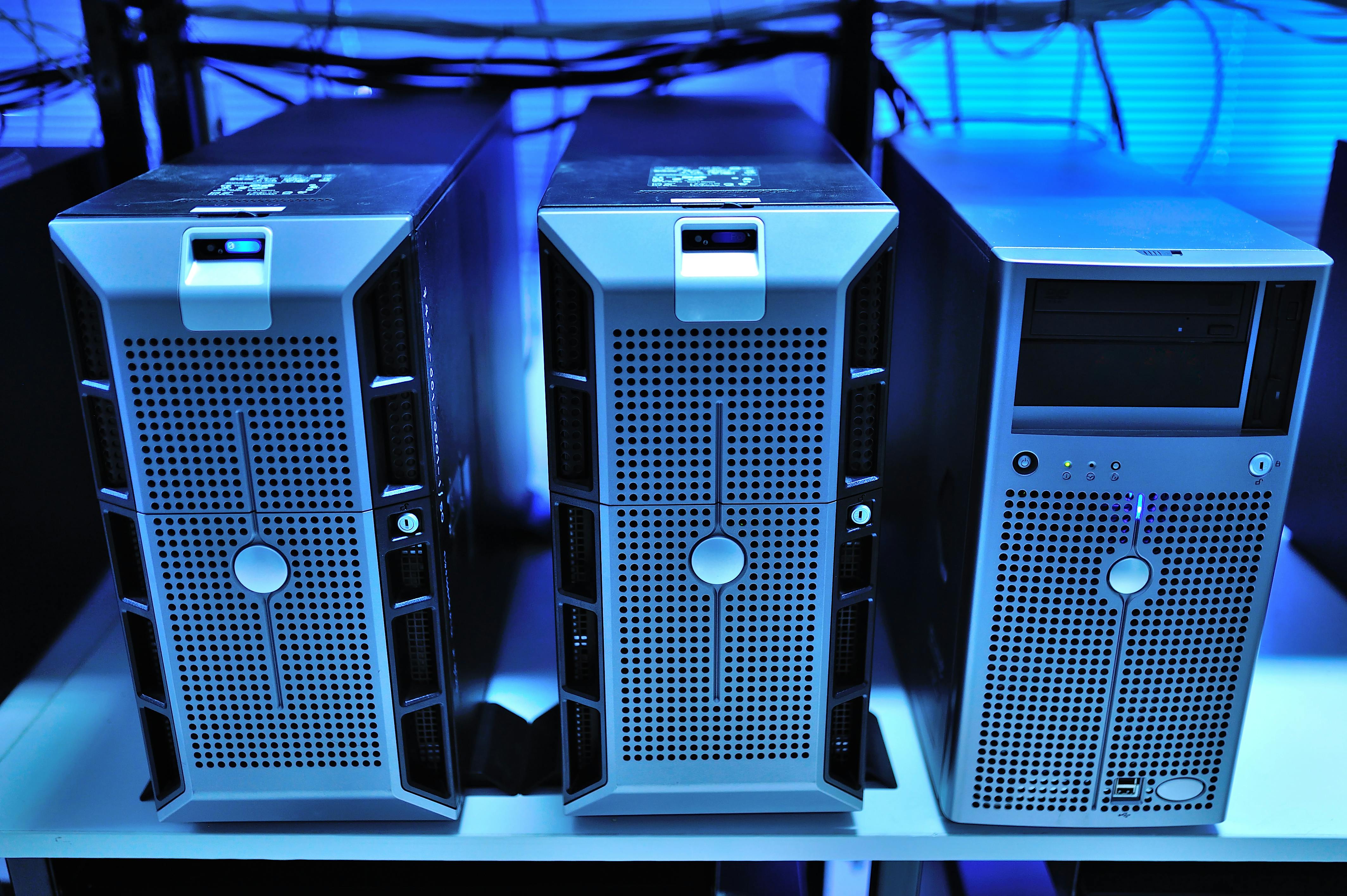
Apple Silicon’s unified memory architecture removes the boundary between CPU RAM and GPU VRAM that constrains every other consumer platform. (Photo: Pexels, free)
Why memory bandwidth matters more than RAM
RAM capacity determines which models fit. Bandwidth determines how fast they run.
During LLM inference, the GPU streams model weights from memory to generate each token. The faster that memory bus, the more tokens per second you get. Two Macs with the same RAM can have dramatically different inference speeds for this reason: an M4 Max (546 GB/s) and an M4 base chip (120 GB/s) both come in 32 GB configurations, but the Max generates tokens roughly 4x faster on the same model because it moves data 4.5x faster.
| Chip | Memory Bandwidth |
|---|---|
| M1 (base) | 68 GB/s |
| M2 (base) | 100 GB/s |
| M4 (base) | 120 GB/s |
| M5 (base) | 153 GB/s |
| M3 Pro | 200 GB/s |
| M4 Pro | 273 GB/s |
| M3 Max | 400 GB/s |
| M4 Max | 546 GB/s |
Apple’s M5 chip pushes the base bandwidth to 153 GB/s — a 28% improvement over M4’s 120 GB/s — which Apple’s ML research team measured as 19–27% faster token generation on 8B and 14B models at equivalent quantization.
For memory sizing — how much RAM each model size requires at Q4_K_M quantization — see our RAM requirements guide.
The two inference paths: Ollama and MLX
Ollama
Ollama uses GGUF files through a llama.cpp backend, with Metal GPU acceleration on Apple Silicon enabled automatically. It’s the fastest path from zero to running model: one installer, one ollama pull command, and it exposes an OpenAI-compatible API at localhost:11434. This means any tool that accepts an OpenAI endpoint — Open WebUI, Cursor, VS Code extensions — connects to your local model without modification.
The inference overhead is real: Ollama’s HTTP layer and process isolation add roughly 38% latency versus running llama.cpp directly. For interactive chat, that’s imperceptible. For batch workloads generating thousands of tokens repeatedly, it’s worth knowing about. See our Ollama vs LM Studio vs llama.cpp comparison for a full runtime breakdown.
MLX
MLX is Apple’s own ML framework, purpose-built for Apple Silicon’s unified memory architecture. It bypasses the GGUF abstraction and works directly with Metal to maximize memory bandwidth utilisation. On dense 3–8B models, MLX runs 1.4–1.6x faster than llama.cpp at equivalent quantization. On MoE architectures — where sparse activation patterns suit MLX’s execution model — the advantage reaches 3x.
The tradeoff is setup complexity: MLX requires Python and its own 4-bit quantized model format, separate from GGUF. The mlx-community namespace on HuggingFace hosts pre-converted versions of most popular models, so availability isn’t usually an issue.
Setting up Ollama on Mac
# Install via Homebrew — handles Metal code signing correctly
brew install ollama

# Start the Ollama server
ollama serve

# Pull Phi-4-mini (3.8B, 2.49 GB at Q4_K_M)
ollama pull phi4-mini

# Or SmolLM3-3B (1.92 GB at Q4_K_M)
ollama pull smollm3

# Run interactively
ollama run phi4-mini
For API access from another process or tool:
curl http://localhost:11434/api/generate \
  -d '{"model":"phi4-mini","prompt":"Explain unified memory architecture","stream":false}'
Metal GPU acceleration is on by default on all Apple Silicon chips — there’s nothing to configure.
Setting up MLX
# Install mlx-lm (requires macOS 13 Ventura or later, Python 3.9–3.12)
pip install mlx-lm

# Interactive chat with Phi-4-mini — model downloads on first run (2.16 GB)
mlx_lm.chat --model "mlx-community/Phi-4-mini-instruct-4bit"

# Or SmolLM3-3B
mlx_lm.chat --model "mlx-community/SmolLM3-3B-4bit"

# Single-turn generation
python -m mlx_lm.generate \
  --model mlx-community/Phi-4-mini-instruct-4bit \
  --prompt "Write a Python function to parse a JSON file" \
  --max-tokens 300
MLX also serves an OpenAI-compatible endpoint, which makes it a drop-in replacement for Ollama’s API when you want MLX throughput with the same tool integrations:
mlx_lm.server --model "mlx-community/Phi-4-mini-instruct-4bit"
# Starts at http://localhost:8000/v1
Memory bandwidth is the inference bottleneck on Apple Silicon — not compute, not model size. The M4 Max moves data at 546 GB/s; the M4 base chip moves it at 120 GB/s. (Photo: Pexels, free)
Benchmark results on M4 Max
The numbers below are from the vllm-mlx paper (arxiv.org/html/2601.19139v1), measured on M4 Max (128 GB unified memory, 546 GB/s) using 4-bit quantization, 256-token input, and 512-token output:
| Model | Parameters | MLX tok/s |
|---|---|---|
| Qwen3-0.6B | 0.6B | 525 |
| Qwen3-4B | 4B | 159 |
| Gemma 3-4B | 4B | 152.5 |
| Qwen3-8B | 8B | 93.3 |
For context on what these numbers mean in practice: 50+ tok/s is fast enough that you read slower than the model generates. At 20 tok/s, responses feel slightly delayed. Below 10 tok/s is noticeable for interactive use but acceptable for longer tasks where you’re not watching a cursor.
Further down the chip stack, the MLX advantage compounds. On an M1 Max running a 35B MoE model (Qwen3.5-35B-A3B), MLX achieves 57 tok/s versus 18 tok/s with Ollama — a 3.2x difference. The gap widens on M1-generation hardware because the absolute bandwidth is lower, so each percentage of overhead matters more.
For a full comparison of these models’ benchmark scores and use-case fit, see our best small language models comparison.
Which inference framework should you use?
Use Ollama if you’re connecting other tools to your local model — VS Code, Open WebUI, a Python script, or anything that expects an OpenAI-compatible endpoint. Ollama also manages multiple models cleanly and is simpler to update. On M1 and M2 base chips, small 3–4B models run at 40–80 tok/s with either framework, and the convenience difference is larger than the speed difference.
Use MLX if you’re on M3 Pro or better hardware, you’re doing sustained generation workloads (batch processing, long-form writing, code generation over large files), or you want the fastest interactive response. The 1.4–1.6x advantage on the 3–8B models most commonly run on these chips is perceptible in real use.
Both tools expose the same OpenAI-compatible API surface, so switching between them later doesn’t require rewriting anything that talks to your local model.
What to run on Apple Silicon by chip tier
8 GB (M1/M2/M3/M4 base): The 3–4B range. Phi-4-mini and SmolLM3-3B both fit at Q4_K_M with headroom for context overhead. Responses take 5–15 seconds on M1 hardware; noticeably faster on M4. See the dedicated Phi-4-mini setup guide for the strongest model in this tier.
16–24 GB (M2 Pro / M4 base or higher): The 7–8B range opens up at workable speeds. Qwen3-8B and Llama 3.1-8B run at 50–80 tok/s on M4 base chips. These are meaningfully more capable than 3–4B models for complex reasoning and coding tasks.
32–48 GB (M3 Pro / M4 Pro): 14B models fit comfortably — a 14B model at 4-bit quantization uses 10–11 GB, leaving room for long context windows on a 32 GB machine. MoE models like Qwen3.5-35B-A3B (3B active parameters, 21.4 GB at Q4_K_M) are particularly suited to this tier because they deliver quality that approaches larger dense models at lower memory cost.
64–128 GB (M3 Max / M4 Max): 70B dense models run at 15–20 tok/s; the M4 Max reaches 18.4 tok/s on Llama 3.1-70B Q4_K_M. MoE models at this tier hit 100+ tok/s under MLX. This is where Apple Silicon competes directly with GPU workstation pricing for local inference.
Sources
- Native LLM and MLLM Inference at Scale on Apple Silicon — arxiv.org
- Exploring LLMs with MLX and the Neural Accelerators in the M5 GPU — Apple ML Research
- Apple Silicon M-Series LLM Benchmark — CraftRigs
- MLX: The Next Inference Engine for Apple Silicon — yage.ai
- Apple Silicon LLM Benchmarks — llmcheck.net
- mlx-community/Phi-4-mini-instruct-4bit — HuggingFace
- SmolLM3 MLX Collection — HuggingFace