Running a language model locally on a Raspberry Pi 5 is practical in 2026 — if you pick the right model. The Pi 5 (8 GB) handles 1–3B parameter models at speeds that work for interactive tasks without a cloud connection or dedicated AI hardware. This is CPU-only inference, which sets a hard ceiling: expect 5–15 tokens per second for 1.5B models, and 2–5 tokens per second for 3B models. This guide covers setup with both Ollama and llama.cpp, real benchmark data, and which models are worth running on Pi hardware.

The Raspberry Pi 5’s quad-core Cortex-A76 CPU handles LLM inference without any dedicated AI accelerator in the base configuration — the 8 GB model is the recommended minimum for 3B models. (Photo: Pexels, free)
What the Pi 5 gives you for LLM inference
The Raspberry Pi 5 runs a quad-core Arm Cortex-A76 at 2.4 GHz with 8 GB of LPDDR4X-4267 RAM. All inference runs on the CPU — neither llama.cpp nor Ollama can use the VideoCore VII GPU for matrix operations, and the base Pi 5 has no neural processing unit.
Memory bandwidth is the effective ceiling. LPDDR4X at 4267 MT/s over a 32-bit bus delivers roughly 17 GB/s peak bandwidth. Token generation is memory-bound: each token requires one full pass of the model’s weights from RAM. For comparison, even a budget discrete GPU delivers 3–5× that bandwidth, which is why GPU inference is orders of magnitude faster. On the Pi 5, you’re working within those 34 GB/s.
The 4 GB Pi 5 can run models under 1.5B parameters with headroom, but 3B models at typical context sizes push into swap territory. The 8 GB model is the practical minimum for anything in the 2–3B range with a reasonable context window. For a detailed breakdown of RAM requirements by model size and quantization level, see our RAM requirements guide.
Token speeds by model size
These figures come from a published academic evaluation of 25 quantized models on Raspberry Pi 5 (all at q4_k_m quantization) and from community benchmarks across several write-ups.
| Model size | Tok/s generation | Practical feel |
|---|---|---|
| < 360M params | 20+ tok/s | Very responsive; good for latency-sensitive apps |
| 1–1.5B params | 5–15 tok/s | Usable for interactive chat; slight pause before first token |
| 3B params | 2–5 tok/s | Readable output speed; acceptable for longer tasks |
| 7B params | < 1 tok/s | Not practical for interactive use |
To ground these numbers: 5 tok/s means you’re reading while the model generates. At 2 tok/s, you’re watching individual tokens appear on screen. Both are workable for tasks where you submit a prompt and read the response; neither is good for rapid back-and-forth where you need an immediate answer.
As a specific data point: TinyLlama-1.1B at Q4_0 quantization achieves 14.4 tok/s generation with llama.cpp and 13.75 tok/s with Ollama on Pi 5 — the llama.cpp advantage is 4.7% at generation speed, but the prefill difference is larger (108 tok/s vs 80 tok/s for prompt processing). On the 7B models that technically fit in memory, generation drops below 1 tok/s and the experience is not usable.
Setting up with Ollama
Ollama is the fastest path to a running model. The install script detects ARM automatically:
curl -fsSL https://ollama.com/install.sh | sh
Enable and start the service:
sudo systemctl enable ollama
sudo systemctl start ollama
Pull and run a model. For the 1.5B range (fastest, around 10–15 tok/s):
ollama pull qwen2.5:1.5b
ollama run qwen2.5:1.5b
For the 3B range (more capable, around 3–5 tok/s):
ollama pull llama3.2:3b
ollama run llama3.2:3b
Ollama exposes an OpenAI-compatible API at http://localhost:11434. Tools like Open WebUI connect without any modification. If the Pi is running headless as a local API server, bind to all interfaces by setting OLLAMA_HOST=0.0.0.0 before starting the service.
Model load time depends heavily on storage. On microSD, a 3B model takes roughly 15 seconds to load. With an NVMe SSD connected via USB adapter or the Pi 5 NVMe HAT, that drops to about 4 seconds. The storage type does not affect generation speed once the model is resident in RAM.
For a full comparison of Ollama’s overhead versus direct llama.cpp inference, and when that difference matters in practice, see our Ollama vs LM Studio vs llama.cpp breakdown.
Running llama.cpp directly
llama.cpp runs 10–20% faster than Ollama on Pi 5 overall, with the largest gap at prompt processing (108 tok/s vs 80 tok/s prefill on TinyLlama-1.1B Q4_0). For interactive use at small model sizes, the generation difference is small. For a persistent server handling repeated inference, it compounds.
Build from source with OpenBLAS enabled. OpenBLAS provides vectorized BLAS routines that accelerate matrix operations on Cortex-A76:
sudo apt update && sudo apt install -y build-essential cmake git libopenblas-dev

git clone https://github.com/ggerganov/llama.cpp
cd llama.cpp

cmake -B build -DGGML_BLAS=ON -DGGML_BLAS_VENDOR=OpenBLAS
cmake --build build -j4
The -j4 flag uses all four cores for compilation. Expect 5–10 minutes build time on a Pi 5.
Download a GGUF model file. Q5_K_M offers slightly better output quality than Q4_K_M at modest RAM cost:
# Install huggingface_hub if needed
pip install huggingface_hub

huggingface-cli download bartowski/Qwen2.5-1.5B-Instruct-GGUF \
  --include "Qwen2.5-1.5B-Instruct-Q5_K_M.gguf" \
  --local-dir ./models
Run the model. Setting --threads 4 is important — llama.cpp sometimes defaults lower on ARM and using all four Cortex-A76 cores roughly doubles generation speed versus single-threaded inference:
./build/bin/llama-cli \
  -m ./models/Qwen2.5-1.5B-Instruct-Q5_K_M.gguf \
  --threads 4 \
  --ctx-size 4096 \
  --conversation
For an OpenAI-compatible server endpoint (useful for connecting other tools to the Pi):
./build/bin/llama-server \
  -m ./models/Qwen2.5-1.5B-Instruct-Q5_K_M.gguf \
  --threads 4 \
  --host 0.0.0.0 \
  --port 8080
For details on GGUF quantization levels and what you trade off between Q4, Q5, and Q8 variants, see our GGUF vs ONNX vs MLX format guide.
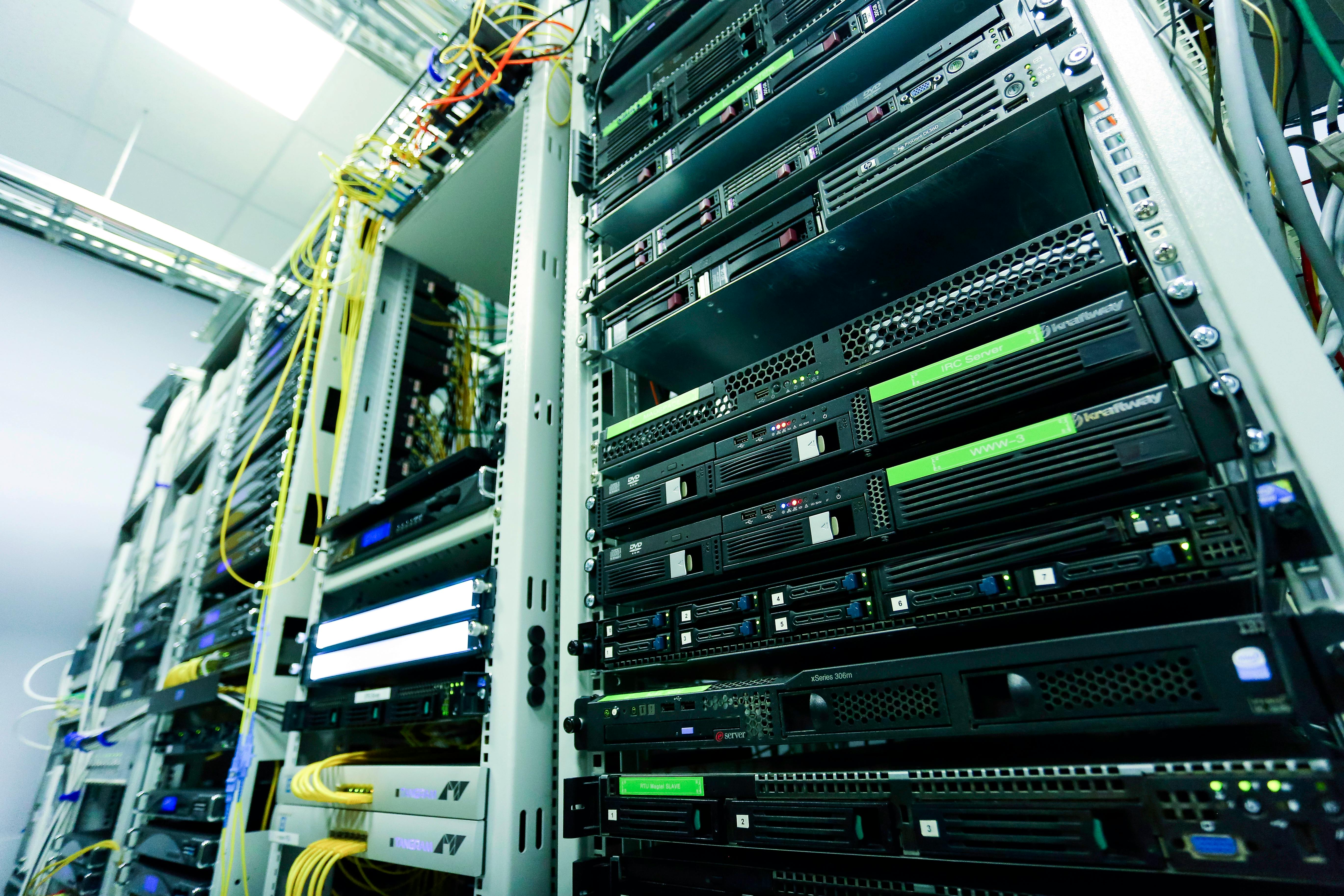
Running llama.cpp directly on Pi 5 beats Ollama by 10–20% overall — the gap matters most for prompt processing, less so for generation speed on small models. (Photo: Pexels, free)
Model recommendations for Pi 5
These recommendations are based on performance data and output quality assessments from benchmarks and hands-on testing across the community.
| Model | Params | Approx. RAM | Tok/s (gen) | Notes |
|---|---|---|---|---|
| Gemma 3 1B | 1B | ~1.0 GB | 10–15 | Highest throughput in the 1B tier; strong quality |
| LFM2.5-1.2B | 1.2B | ~0.9 GB (Q5_K_M) | 10–20 | Very low memory footprint; good for constrained setups |
| Qwen2.5-1.5B | 1.5B | ~1.1 GB | 10–15 | Best overall quality at this scale |
| Gemma 2 (2B) | 2B | ~3.0 GB | 5–10 | Top-rated in multi-model testing; strong reasoning |
| Llama 3.2 3B | 3B | ~2.0 GB | 3–5 | Best output quality that still runs acceptably on Pi 5 |
| Qwen2.5 3B | 3B | ~2.2 GB | 2–5 | Strong on code and multilingual tasks |
Gemma 2 (2B) and Qwen 2.5 (3B) consistently come out ahead in quality assessments at their respective size tiers. The 2B range is the sweet spot if you want better output than 1.5B models but find 3B speeds frustrating — Gemma 2 (2B) achieves a noticeably better quality-to-speed ratio on Pi hardware.
The LFM2.5-1.2B from Liquid AI is worth trying specifically on Pi 5 because of its memory efficiency: at Q5_K_M quantization, the model uses roughly 850 MB of RAM, leaving substantial headroom on 4 GB hardware while still delivering competitive output quality for a 1.2B model.
For a broader comparison of these models across hardware platforms, see our best small language models guide.
Hardware acceleration: the AI HAT+ 2
In January 2026, the Raspberry Pi Foundation released the AI HAT+ 2 — a PCIe-connected accelerator board using the Hailo-10H neural network processor. It delivers 40 TOPS at INT4 precision and costs $130.
The constraint is model support: at launch, the AI HAT+ 2 supports models in the 1.5B range, including Llama 3.2, Qwen2.5-Instruct, and Qwen2.5-Coder variants. The Hailo-10H’s on-chip memory accommodates these models fully; anything larger falls back to CPU inference on the Pi itself.
For users running one model continuously — a home assistant, a local coding helper, an offline API endpoint — the HAT is worth the cost. For experimentation across different models and sizes, llama.cpp on CPU covers more ground and doesn’t require the $130 board.
Frequently asked questions
What is the maximum model size I can run on Raspberry Pi 5?
The 8 GB Pi 5 fits 3B models at Q4_K_M with reasonable headroom. 7B models technically load into memory at aggressive quantization (Q2 or lower) but generate below 1 tok/s — not practical for interactive use.
Does the Pi 5 support GPU acceleration for LLMs?
No. The VideoCore VII GPU is not exposed as a compute backend by llama.cpp or Ollama. All inference runs on the CPU. The AI HAT+ 2 adds an NPU via PCIe, but only for specific 1.5B models at launch.
Is Ollama or llama.cpp better for Raspberry Pi 5?
llama.cpp is 10–20% faster overall and roughly 35% faster at prompt processing. Ollama is significantly easier to use — model management, service control, and the API endpoint all work out of the box. Use Ollama for general use; switch to llama.cpp if you’re building a persistent service where every token per second counts.
Do I need an SSD?
Not for generation speed — once the model is in RAM, storage doesn’t matter. An NVMe SSD reduces model load time from ~15 seconds to ~4 seconds for a 3B model, which matters if you’re restarting the service frequently or switching between models.
Sources
- An Evaluation of LLMs Inference on Popular Single-board Computers — arxiv.org
- How Well Do LLMs Perform on a Raspberry Pi 5? — Stratosphere Laboratory
- Ollama vs llama.cpp on Raspberry Pi 5 — Omkar, Medium
- I Ran 9 Popular LLMs on Raspberry Pi 5 — It’s FOSS
- LFM2.5-1.2B on Raspberry Pi 5: llama.cpp Optimization Guide — DoDataThings
- Raspberry Pi 5 gets LLM smarts with AI HAT+ 2 — The Register