800 million parameters. 262,000-token context window. Images, video, and text — all handled natively. Thinking mode on demand. Apache 2.0 license. And the entire model weighs in at 1GB on Ollama.
That’s the Qwen3.5-0.8B, the smallest member of Alibaba’s Qwen3.5 family, released in February 2026. It is not a general-purpose language model pretending to be multimodal — it was trained with early fusion on multimodal tokens from the start, covering 201 languages and dialects. At sub-gigabyte scale, very little competes with its feature set.
But the headline number here isn’t the parameter count or the context window. It’s the architecture underneath: Gated DeltaNet, a hybrid linear attention mechanism that makes 262K-token context genuinely practical on constrained hardware. That’s worth understanding before you just run ollama pull.
The Qwen3.5 Family
Qwen3.5 ships as a range of models, all sharing the same hybrid architecture and multimodal capabilities:
| Model | Ollama Size | Context |
|---|---|---|
| qwen3.5:0.8b | 1.0 GB | 256K |
| qwen3.5:2b | 2.7 GB | 256K |
| qwen3.5:4b | 3.4 GB | 256K |
| qwen3.5:9b | 6.6 GB | 256K |
| qwen3.5:27b | 17 GB | 256K |
| qwen3.5:35b | 24 GB | 256K |
All variants — including the 0.8B — support text, image, and video input, thinking mode, and tool calling. For this blog, the 0.8B through 9B range is the most relevant: these are the sizes you can run on a laptop, a mini PC, or a modest VPS without exotic hardware.
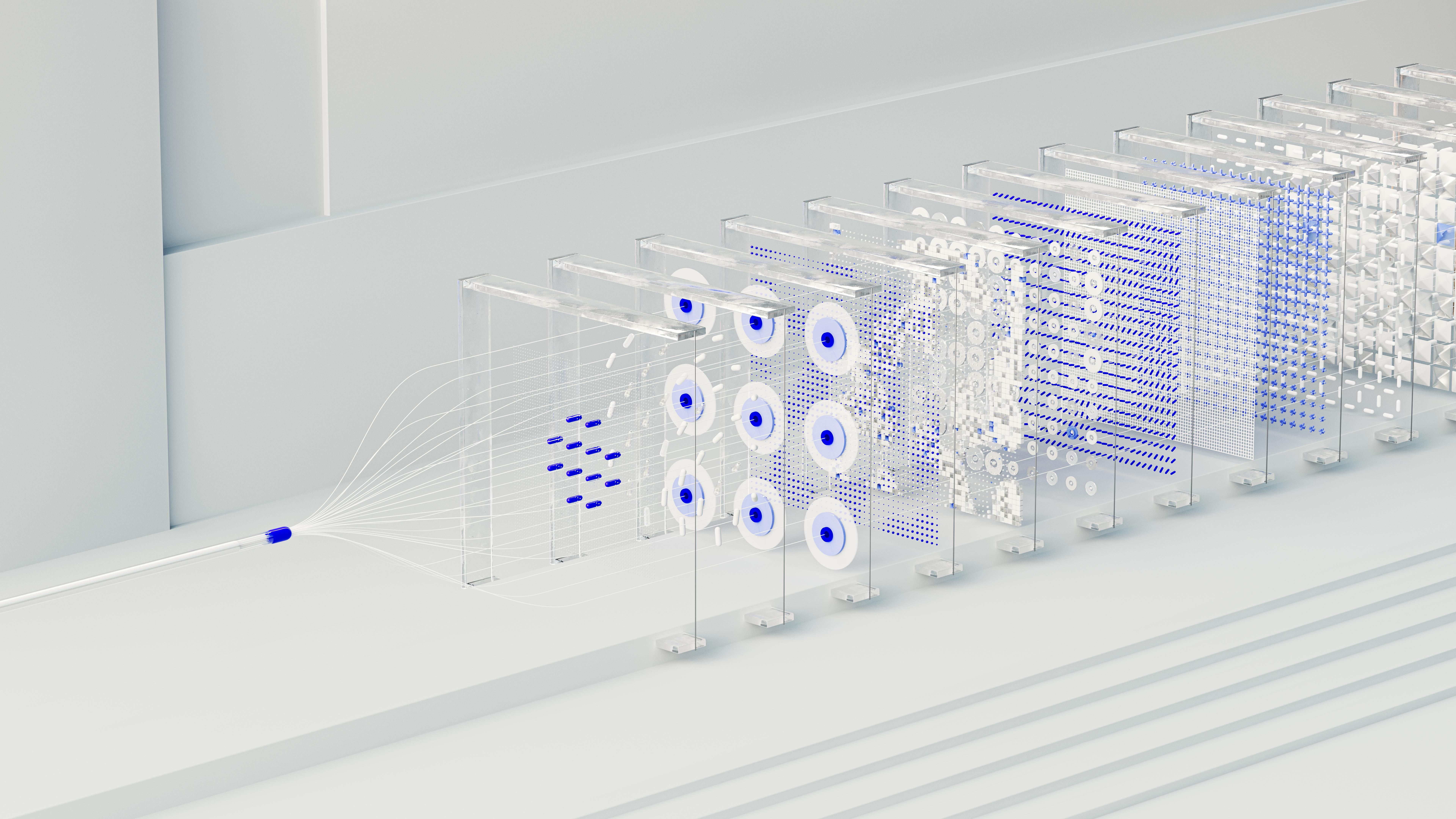 Neural networks visualization. Photo by Tara Winstead on Pexels — free to use
The Architecture: Why Gated DeltaNet Matters
Most transformer-based language models use standard softmax attention. It works well, but it has a fundamental problem for long contexts: the KV cache grows linearly with sequence length. At 262K tokens, a standard KV cache would be enormous — making this context window impractical on consumer hardware.
Qwen3.5 solves this with Gated DeltaNet, a linear attention mechanism that replaces the growing KV cache with a fixed-size state vector. Instead of attending back over all previous tokens, it compresses past context into a compact memory that gets updated per-token using a delta rule with exponential gating.
The practical benefit: O(n) computation and a KV cache that doesn’t grow with context length. You get the full 262K-token window without the usual memory penalty.
The 3:1 Hybrid Strategy
Gated DeltaNet is efficient but has a known weakness: it can lose precise recall of specific earlier tokens that full softmax attention handles easily. The Qwen3.5 team’s solution is a 3:1 hybrid layout:
Three Gated DeltaNet layers for every one full softmax attention layer, across 24 total layers. Looking at the 0.8B architecture specifically:
6 blocks, each containing:
  3 × (Gated DeltaNet → FFN)    ← linear attention, O(n), no KV growth
  1 × (Gated Attention → FFN)   ← full softmax attention, GQA + RoPE
The full attention layers — placed every 4th layer — handle precise retrieval and global context. The Gated DeltaNet layers handle the bulk of processing efficiently. The result is a model that behaves like a long-context transformer but with a fraction of the memory overhead.
This 3:1 hybrid approach is very similar to what SmolLM3 did with NoPE (no positional encoding on select layers) — both are attempts to get long-context capability without paying full softmax attention costs throughout the model.
Benchmark Performance
The following results are from the official HuggingFace model card, measured in non-thinking mode (default):
Language Benchmarks
| Benchmark | Qwen3.5-0.8B |
|---|---|
| MMLU-Pro | 29.7 |
| MMLU-Redux | 48.5 |
| C-Eval | 46.4 |
| IFEval | 52.1 |
| SuperGPQA | 16.9 |
Vision-Language Benchmarks
| Benchmark | Qwen3.5-0.8B |
|---|---|
| MMMU | 49.0 |
| MathVista (mini) | 62.2 |
| RealWorldQA | 63.4 |
| MMBenchEN-DEV | 69.9 |
| RefCOCO (avg) | 79.3 |
For a sub-1B model, the vision-language numbers are surprisingly strong — particularly MathVista (62.2) and RefCOCO (79.3), which test mathematical reasoning from images and object grounding respectively.
The language benchmarks reflect the trade-off you’d expect at this scale: MMLU-Pro at 29.7 is not going to replace a 7B model for general knowledge tasks. This model shines in focused use cases: document understanding, image analysis, structured extraction, on-device routing.
As always: run benchmarks on your actual task. A leaderboard number on GSM8K doesn’t tell you how the model handles your PDFs.
Running Locally
 Raspberry Pi 4 Model B. Source · Michael H. (Laserlicht), CC BY-SA 4.0
Option 1: Ollama (Easiest)
Make sure your Ollama installation is up to date, then:
# Pull and run the 0.8B model (1GB download)
ollama run qwen3.5:0.8b

# Or the 9B for more capable responses (6.6GB)
ollama run qwen3.5:9b
Thinking mode in Ollama is toggled via the system prompt. To enable it, prepend /think to your message. To force it off, use /no_think. Ollama handles quantization automatically.
Option 2: vLLM (OpenAI-compatible server)
For a production-grade OpenAI-compatible API endpoint with the 0.8B model:
pip install vllm

# Launch the server
vllm serve Qwen/Qwen3.5-0.8B \
  --port 8000 \
  --tensor-parallel-size 1 \
  --max-model-len 262144

# Test it
curl -X POST http://localhost:8000/v1/chat/completions \
  -H "Content-Type: application/json" \
  -d '{
    "model": "Qwen/Qwen3.5-0.8B",
    "messages": [{"role": "user", "content": "Describe this architecture in one sentence."}]
  }'
For text-only workloads (faster startup, lower memory):
vllm serve Qwen/Qwen3.5-0.8B \
  --port 8000 \
  --max-model-len 262144 \
  --language-model-only
Option 3: Transformers (Python, Image Input)
For multimodal inference with image input:
from transformers import AutoProcessor, AutoModelForImageTextToText

model_id = "Qwen/Qwen3.5-0.8B"
processor = AutoProcessor.from_pretrained(model_id)
model = AutoModelForImageTextToText.from_pretrained(model_id)

messages = [
    {
        "role": "user",
        "content": [
            {"type": "image", "url": "https://example.com/your-image.jpg"},
            {"type": "text", "text": "What does this image show?"}
        ]
    }
]

inputs = processor.apply_chat_template(
    messages,
    add_generation_prompt=True,
    tokenize=True,
    return_dict=True,
    return_tensors="pt",
).to(model.device)

outputs = model.generate(**inputs, max_new_tokens=512)
print(processor.decode(outputs[0][inputs["input_ids"].shape[-1]:]))
Enabling Thinking Mode via API
When using vLLM or SGLang, thinking mode is enabled per-request via enable_thinking:
from openai import OpenAI

client = OpenAI(base_url="http://localhost:8000/v1", api_key="EMPTY")

response = client.chat.completions.create(
    model="Qwen/Qwen3.5-0.8B",
    messages=[{"role": "user", "content": "Solve: if a train travels at 80km/h for 2.5 hours, how far does it go?"}],
    max_tokens=8192,
    temperature=1.0,
    top_p=0.95,
    extra_body={"top_k": 20, "enable_thinking": True},
)
print(response.choices[0].message.content)
Recommended Sampling Parameters
The official guidance from the model card:
| Mode | temperature | top_p | top_k | presence_penalty |
|---|---|---|---|---|
| Non-thinking, text | 1.0 | 1.0 | 20 | 2.0 |
| Non-thinking, vision | 0.7 | 0.8 | 20 | 1.5 |
| Thinking, text | 1.0 | 0.95 | 20 | 1.5 |
| Thinking, vision/code | 0.6 | 0.95 | 20 | 0.0 |
The Thinking Mode Caveat
Thinking mode is real and it works — but the model card is explicit about a limitation specific to the 0.8B size: the smallest model is more prone to entering thinking loops, where the internal reasoning chain does not terminate cleanly. This can prevent generation from completing.
Practical guidance:
- For the 0.8B, use thinking mode selectively — math problems, structured reasoning tasks — not as the default for every query.
- If you observe runaway thinking chains, cap
max_new_tokensaggressively (the model card recommends 32,768 as a safe ceiling for most tasks). - The 4B and 9B variants are significantly more stable in thinking mode.
Where Qwen3.5-0.8B Actually Makes Sense
On-device document routing. A 1GB model that handles images and long text is a practical document classifier or router. Feed it a PDF page as an image, ask it to extract structured data, and get JSON back — all locally.
Vision-assisted note-taking. Photograph a whiteboard, a receipt, or a handwritten formula. At 1GB, this can run on a phone-class device (4GB+ RAM recommended) with no cloud dependency.
Multilingual triage. 201 languages supported in a 1GB model. If you’re building a lightweight support tool that needs to understand queries in many languages before routing them, this is a practical starting point.
Prototype and fine-tuning base. The model card explicitly names prototyping and task-specific fine-tuning as primary use cases. The Apache 2.0 license means you can fine-tune and deploy commercially without restriction.
Resource-constrained API servers. With the Gated DeltaNet architecture keeping memory overhead low even at long contexts, the 0.8B can serve as a cheap, always-on endpoint on a low-memory VPS — handling document Q&A tasks that would have required a much larger model a year ago.
Limitations Worth Knowing
- General knowledge is weak at 0.8B. MMLU-Pro at 29.7 reflects the fundamental knowledge capacity limit at this scale. Don’t use this as a general Q&A bot; augment with RAG for knowledge-heavy tasks.
- Multilingual output quality varies. 201 languages are supported but not equally well. English is strongest; performance degrades for lower-resource languages.
- Thinking loops at 0.8B. As noted above — cap your token budget and prefer thinking mode only when needed.
- Long conversations can drift. The fixed-size Gated DeltaNet state can lose earlier context in very long multi-turn sessions, causing inconsistency. For production use cases with long sessions, monitor output quality carefully.
- Python-centric code generation. The model card notes that code generation is optimized for Python; verify outputs carefully in other languages.
Verdict
Qwen3.5-0.8B is the most capable sub-1GB model currently available for local deployment. The Gated DeltaNet architecture makes the 262K context window genuinely usable on constrained hardware in a way that naive long-context transformers cannot match. The multimodal capability — images and video, not just text — at this size is unprecedented.
The right use case is focused, not general. Pick a task, test it against the 0.8B, and only step up to the 4B or 9B if you need the extra headroom. For document understanding, image analysis, and multilingual routing on tight hardware budgets, this is the model to beat right now.
# Get started in 60 seconds
ollama run qwen3.5:0.8b
Sources
- Qwen/Qwen3.5-0.8B model card: huggingface.co/Qwen/Qwen3.5-0.8B
- Qwen3.5 Ollama library: ollama.com/library/qwen3.5
- mlabonne: Qwen3.5: Nobody Agrees on Attention Anymore
- Sebastian Raschka: Gated DeltaNet for Linear Attention
- Why Did Qwen3.5 Choose Gated DeltaNet?: laonpeople.com
- WebLLM Qwen3.5 issue (architecture notes): github.com/mlc-ai/web-llm/issues/778