 Raspberry Pi circuit board. Photo by Pexels, free to use.
When you search for a small language model on HuggingFace, you’ll typically find the same model offered in three formats: GGUF, ONNX, and MLX. The names are not self-explanatory, the documentation is scattered, and picking the wrong one wastes time. This guide cuts through it.
The short answer: GGUF for almost everything, MLX if you’re on Apple Silicon and want maximum speed, ONNX if you’re building a production app on Windows or deploying to a phone. Everything below explains why.
What Is GGUF?
GGUF (GPT-Generated Unified Format) is the file format used by llama.cpp, the C++ inference engine that powers Ollama, LM Studio, GPT4All, and most other local LLM tools. It replaced the older GGML format in August 2023.
A GGUF file is self-contained: it stores the model weights, tokenizer vocabulary, metadata, and a description of the architecture in a single binary file. The format supports mmap(), so the model doesn’t need to be fully loaded into RAM before inference starts — large models can be partially offloaded to disk without significant startup overhead.
The main reason GGUF dominates local inference is its quantization library. The K_M series (Q4_K_M, Q5_K_M, Q8_0) uses mixed-precision quantization: attention layers are kept at slightly higher precision while feed-forward layers are compressed more aggressively. For a 7B model:
| Quant level | File size (7B) | Perplexity vs FP16 | Best for |
|---|---|---|---|
| Q4_K_M | ~4.5 GB | +0.054 ppl | Daily use; fits in 6 GB VRAM |
| Q5_K_M | ~5.3 GB | +0.042 ppl | Higher quality, still fast |
| Q8_0 | ~7.7 GB | ~+0.001 ppl | Near-lossless, 8 GB+ VRAM |
| IQ2_M | ~2.7 GB | +0.19 ppl | CPU-only, very tight RAM |
Q4_K_M is the default recommendation for most users. The ~0.054 perplexity increase over the full FP16 model is imperceptible in practice for chat and coding tasks. If you’re fitting a 7B model on a 6 GB GPU alongside your desktop, Q4_K_M is what you want. If RAM is no constraint, Q8_0 is effectively lossless.
GGUF’s weakness: it’s primarily an inference format. You cannot fine-tune a model that’s already been converted to GGUF. If you want to fine-tune and then deploy, you train from safetensors and convert afterward.
See our Ollama vs LM Studio vs llama.cpp comparison for a breakdown of which runtime to pair with GGUF files.
What Is MLX?
MLX is Apple’s open-source array framework for machine learning on Apple Silicon (M1 through M5). Unlike GGUF, MLX isn’t just a file format — it’s a complete inference and training framework that happens to use a model serialization format of the same name.
The key insight behind MLX is Apple Silicon’s unified memory architecture: the CPU, GPU, and Neural Engine share the same physical memory pool. There’s no PCIe bus to cross, no host-to-device copy. A tensor computed on the CPU can be handed to the GPU and back with zero copying. GGUF files running in llama.cpp have to manage this explicitly; MLX handles it natively, which is why MLX-LM consistently delivers 20–40% higher decode throughput than llama.cpp on the same Apple Silicon hardware for mid-size models.
The numbers got more interesting in March 2026, when Ollama v0.19 launched with an MLX backend. On an M5 Max running Qwen3.5-35B-A3B, Ollama’s MLX mode hit 1,810 prefill tokens/s and 112 decode tokens/s — up from 1,154 and 58 respectively with the previous llama.cpp backend. That’s roughly 57% faster prefill and 93% faster decode on the same hardware, just by switching backends.
MLX models are available on HuggingFace under the mlx-community organization. Most popular models have a pre-quantized MLX version ready to download. The mlx-lm Python library handles both inference and LoRA fine-tuning — making it the only format in this comparison where you can go from base model to fine-tuned inference without leaving the same framework. See our MLX fine-tuning walkthrough for an example of how that works in practice.
MLX’s hard limit: it only runs on Apple Silicon. If someone else needs to run your model on a Windows machine or a Raspberry Pi, MLX is not an option.
What Is ONNX?
ONNX (Open Neural Network Exchange) is a vendor-neutral model format backed by Microsoft, Meta, and AMD. Unlike GGUF (which stores weights and lets the runtime figure out the graph) or MLX (which is a full framework), ONNX stores the full computation graph alongside the weights. The runtime — ONNX Runtime — can then compile that graph to whatever hardware accelerator is available: CPU, CUDA GPU, DirectML, Qualcomm QNN, or Windows NPU.
For small language models specifically, Microsoft ships onnxruntime-genai — a purpose-built library that wraps the ONNX model with the full LLM inference loop (KV cache, sampling, structured output). Pre-converted ONNX models for Phi-4-mini, Llama 3.2 3B, and others are available directly on HuggingFace.
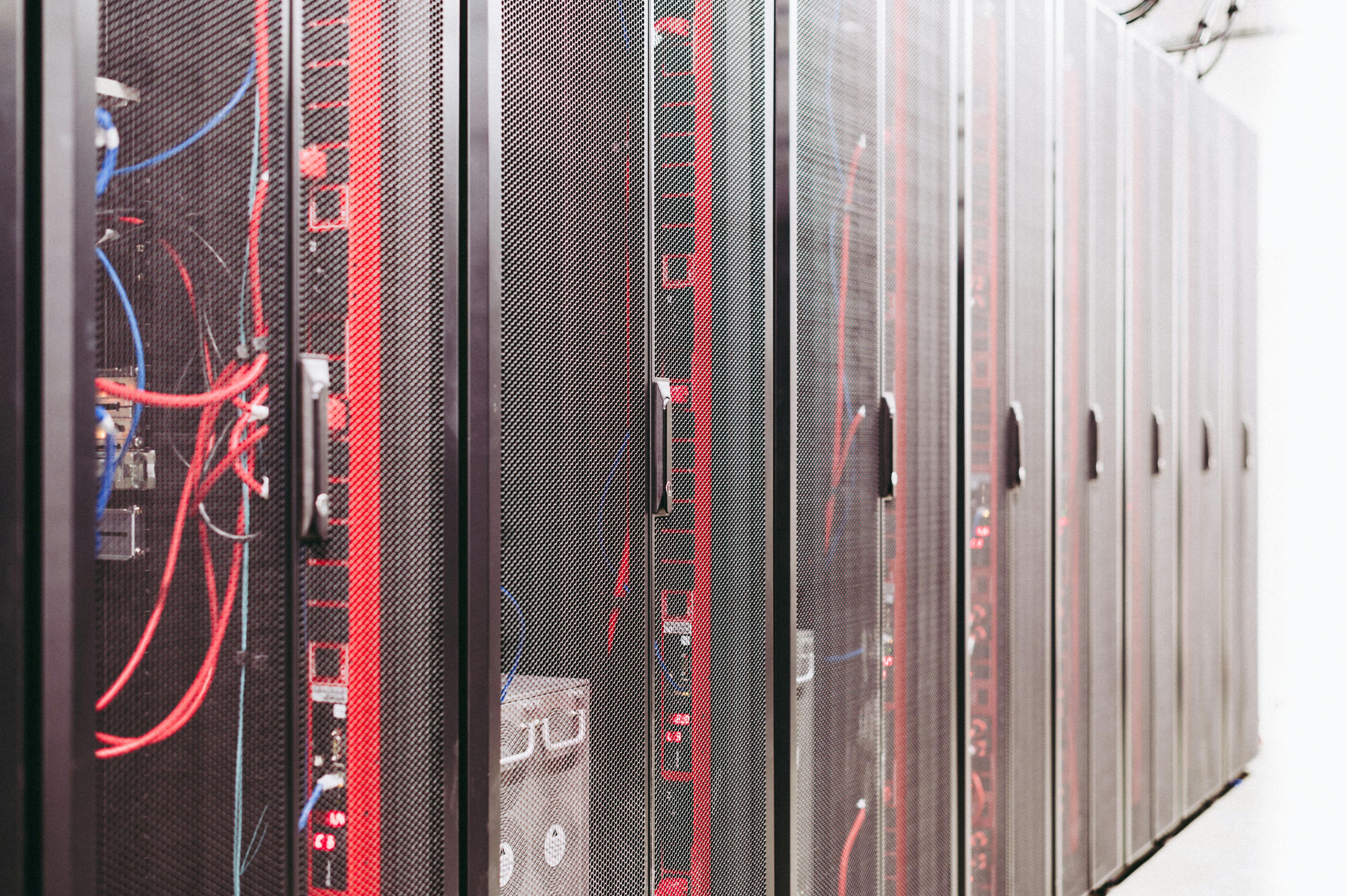 Server rack cabling. Photo by Pexels, free to use.
The standout ONNX use case in 2026 is NPU inference. On a Snapdragon 8 Elite mobile device, onnxruntime-genai with the QNN accelerator processes Llama 3.2 3B at roughly 100ms time-to-first-token. Windows ML (built into Windows 11) natively supports ONNX models, meaning a Windows desktop app can run a small model without the user installing any extra dependencies — just ship the ONNX file alongside the executable.
The tradeoff is complexity. Converting a model to ONNX is significantly more involved than converting to GGUF or downloading an MLX variant. The resulting files are often split across multiple shards, and compatibility issues between opset versions and specific hardware backends are common. ONNX makes sense when you have a specific deployment target (a Windows app, an Android app, a Qualcomm NPU) and need first-class hardware support for it. For casual local inference, it’s more friction than it’s worth.
Format Comparison
| GGUF | MLX | ONNX | |
|---|---|---|---|
| Runs on | CPU + GPU, all platforms | Apple Silicon only | CPU + GPU + NPU, all platforms |
| Primary tools | Ollama, LM Studio, llama.cpp | mlx-lm, Ollama v0.19+ | onnxruntime-genai, Windows ML |
| Quantization | Q4_K_M, Q5_K_M, Q8_0, IQ-series | 4-bit, 8-bit | int4, int8, float16 |
| Fine-tuning | No (inference only) | Yes (LoRA) | Limited |
| Model availability | Largest (most models on HF) | Most popular models (mlx-community) | Growing (Microsoft-supported models) |
| Setup complexity | Low | Low (Mac only) | Medium–High |
| Best deployment | Local (all hardware) | Mac performance-optimized | Windows/mobile/production apps |
Which Format Should You Use?
I’m on a Mac with M-series: Start with MLX. Download from mlx-community on HuggingFace and use mlx-lm or Ollama v0.19+ with the MLX backend. You’ll get materially faster decode than GGUF. The only reason to prefer GGUF on a Mac is if the specific model you need hasn’t been converted to MLX yet — which is increasingly rare for popular models.
I’m on Windows or Linux: GGUF via Ollama or LM Studio. This is the path of least resistance. Ollama handles model downloads and serves an API; LM Studio gives you a GUI. Both work on NVIDIA and AMD GPUs.
I have a CPU-only machine (Raspberry Pi, old laptop, no GPU): GGUF with IQ2_M or Q4_K_M, running llama.cpp directly or through Ollama. GGUF’s CPU path is mature and well-optimized. For a Raspberry Pi 5, a 1B or 3B model at Q4_K_M is the realistic ceiling for usable throughput.
I’m building a Windows desktop app or targeting a phone: ONNX via onnxruntime-genai or Windows ML. This is the only format with native Windows ML integration and verified NPU support on Qualcomm hardware. If you’re shipping software to end-users who won’t install Ollama, ONNX is the right answer.
I want to fine-tune and then deploy: Train with MLX on Apple Silicon (if you have it), or train with safetensors + Unsloth, then convert to GGUF using llama.cpp’s convert_hf_to_gguf.py for deployment.
Converting Between Formats
To convert a HuggingFace safetensors model to GGUF:
# Clone llama.cpp
git clone https://github.com/ggml-org/llama.cpp && cd llama.cpp
pip install -r requirements.txt

# Convert to GGUF (FP16 first, then quantize)
python convert_hf_to_gguf.py /path/to/hf-model --outtype f16 --outfile model-f16.gguf

# Quantize to Q4_K_M
./llama-quantize model-f16.gguf model-q4_k_m.gguf Q4_K_M
To convert a HuggingFace model to MLX:
pip install mlx-lm

# Convert and quantize in one step (4-bit)
python -m mlx_lm.convert \
  --hf-path /path/to/hf-model \
  --mlx-path ./model-mlx-4bit \
  -q --q-bits 4
The mlx_lm.convert command handles the quantization during conversion, so there’s no separate quantization step needed. See the best small language models in 2026 post for a list of models worth converting.
Sources
- GGUF quantization README — llama.cpp
- Which Quantization Should I Use? Unified Evaluation of llama.cpp Quantization on Llama-3.1-8B-Instruct (arXiv:2601.14277)
- Common AI Model Formats — HuggingFace Blog
- Ollama MLX backend launch — Ollama Blog
- Exploring LLMs with MLX and Neural Accelerators in the M5 GPU — Apple ML Research
- Native LLM and MLLM Inference at Scale on Apple Silicon (arXiv:2601.19139)
- Cross-Platform Edge AI with ONNX Runtime — Microsoft Tech Community
- Run LLMs with ONNX Runtime and Windows ML — Microsoft Learn
- onnxruntime-genai — GitHub
- GGUF format documentation — HuggingFace Hub